
Troubleshooting
Find what is stopping new records.
LanguageEnglish
Read the saving status
Check whether access and background use are ready.
Open the menu (☰) › Settings.
Saving every notification means those two checks passed.
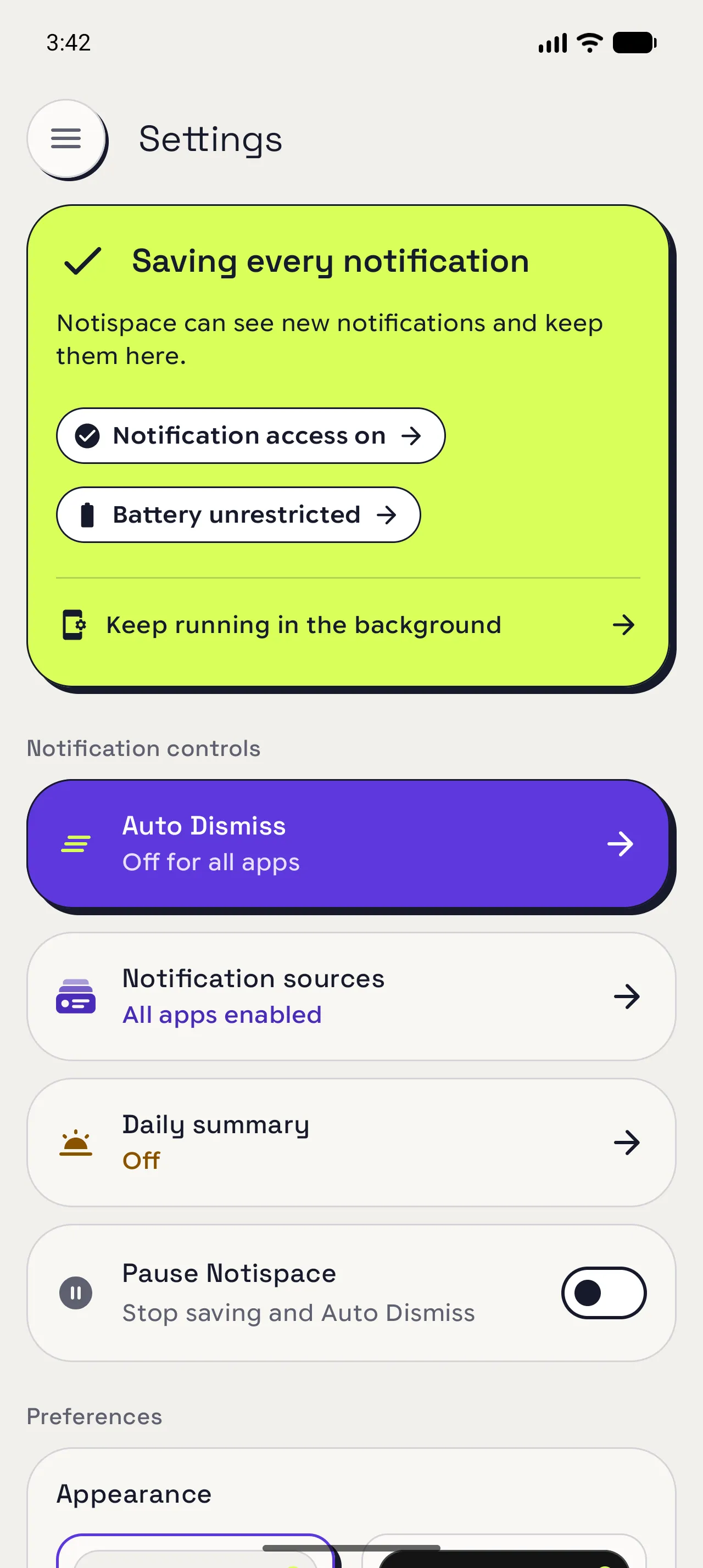
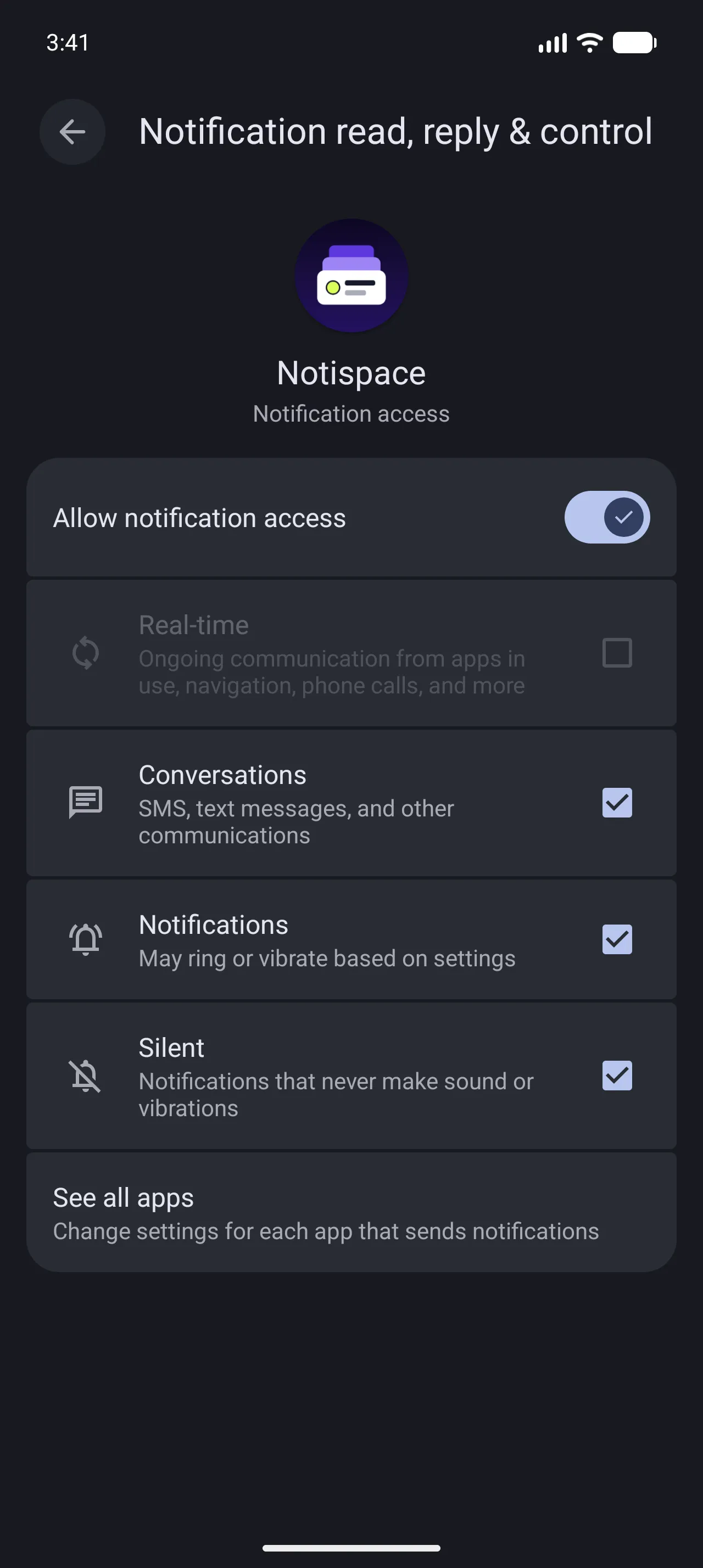
Enable notification access
Enable access if the card says Not saving notifications.
Settings › Notification access › Allow notification access (Android label).
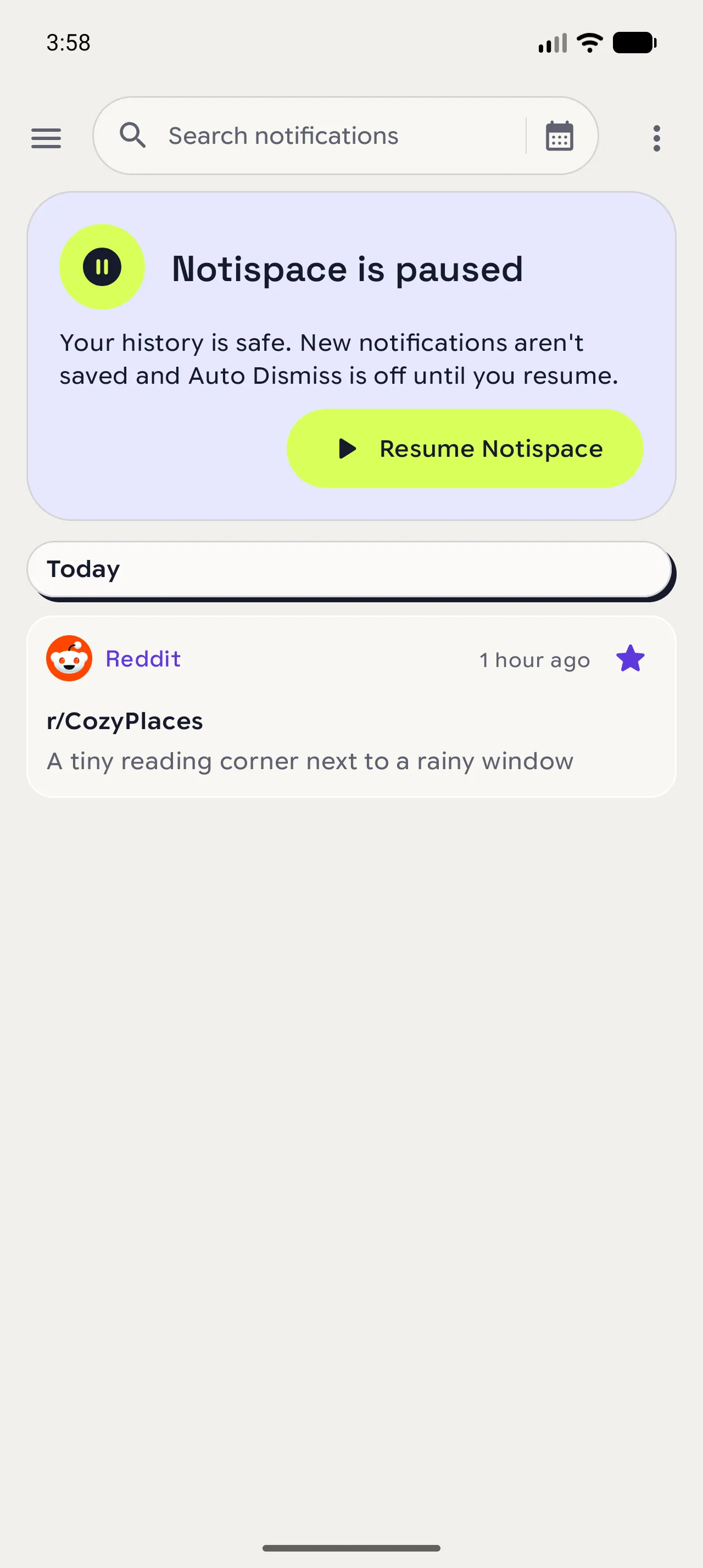
Resume saving
Resume saving if the history screen shows a paused card.
Tap Resume Notispace, or open Settings › turn Pause Notispace off.
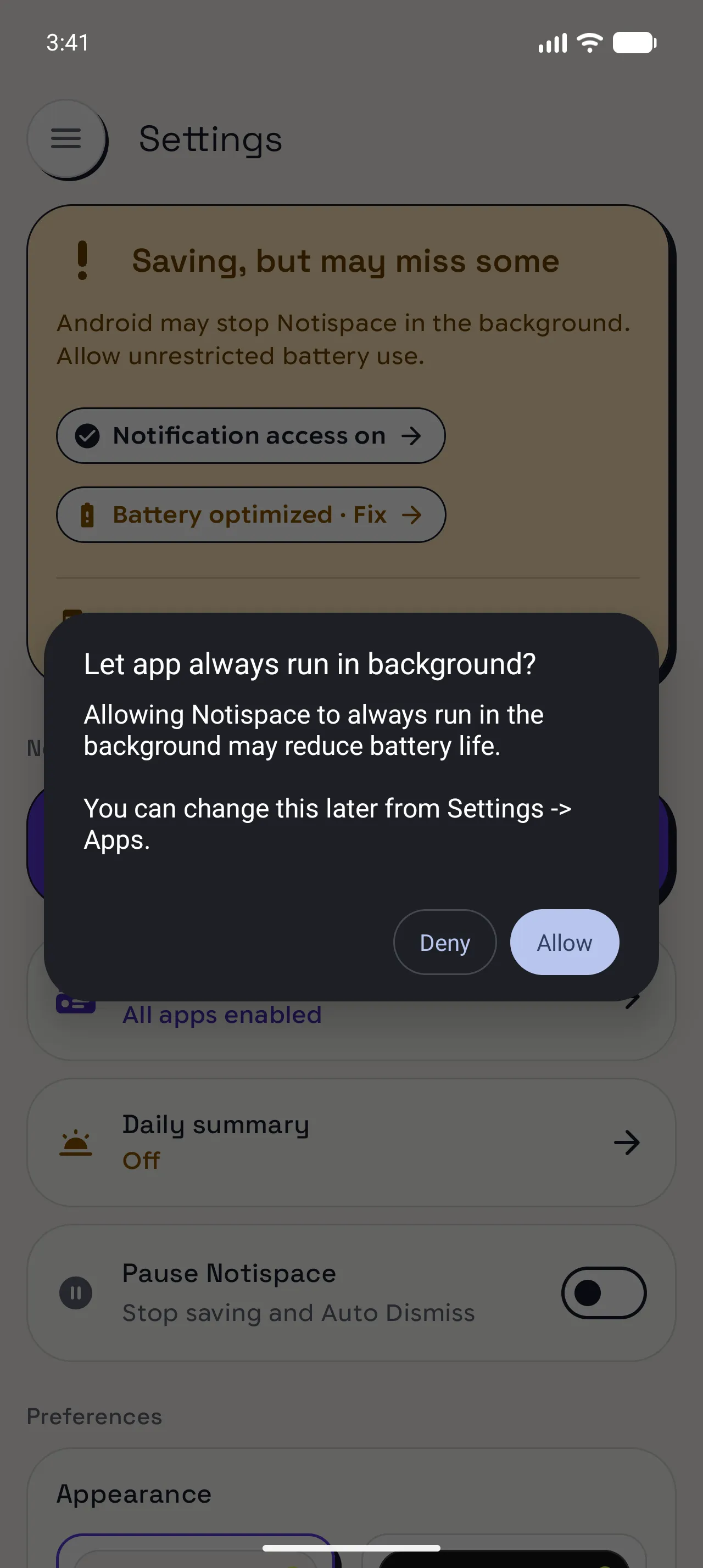
Remove battery limits
Remove battery limits if the card warns about missed notifications.
Settings › Battery optimized · Fix › Allow (Android label).
For phone-specific help, open Keep running in the background.
Enable saving for the app
Enable saving for the app whose notifications are missing.
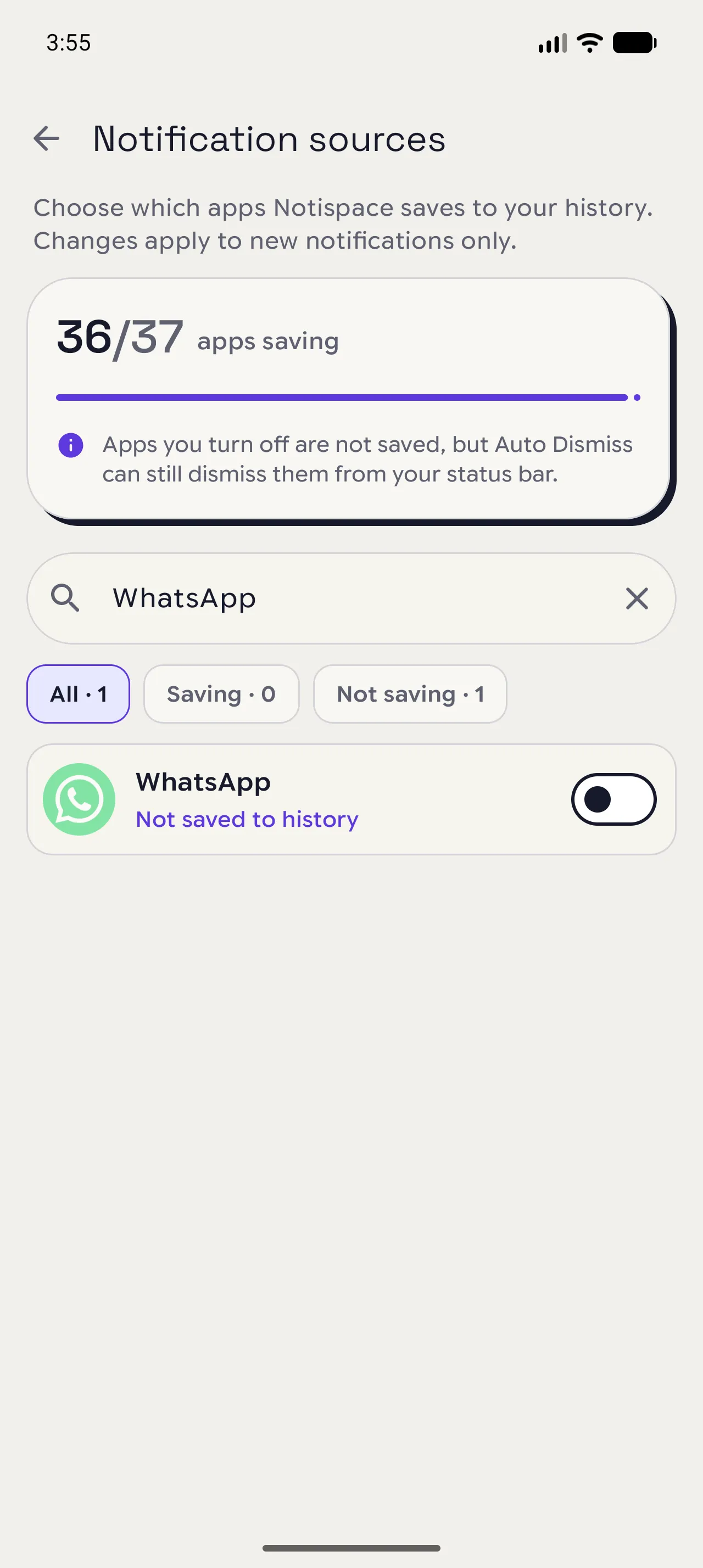
Settings › Notification sources › Search apps › find the app and turn saving on.
Check the code filter
Check whether verification codes are deliberately skipped.
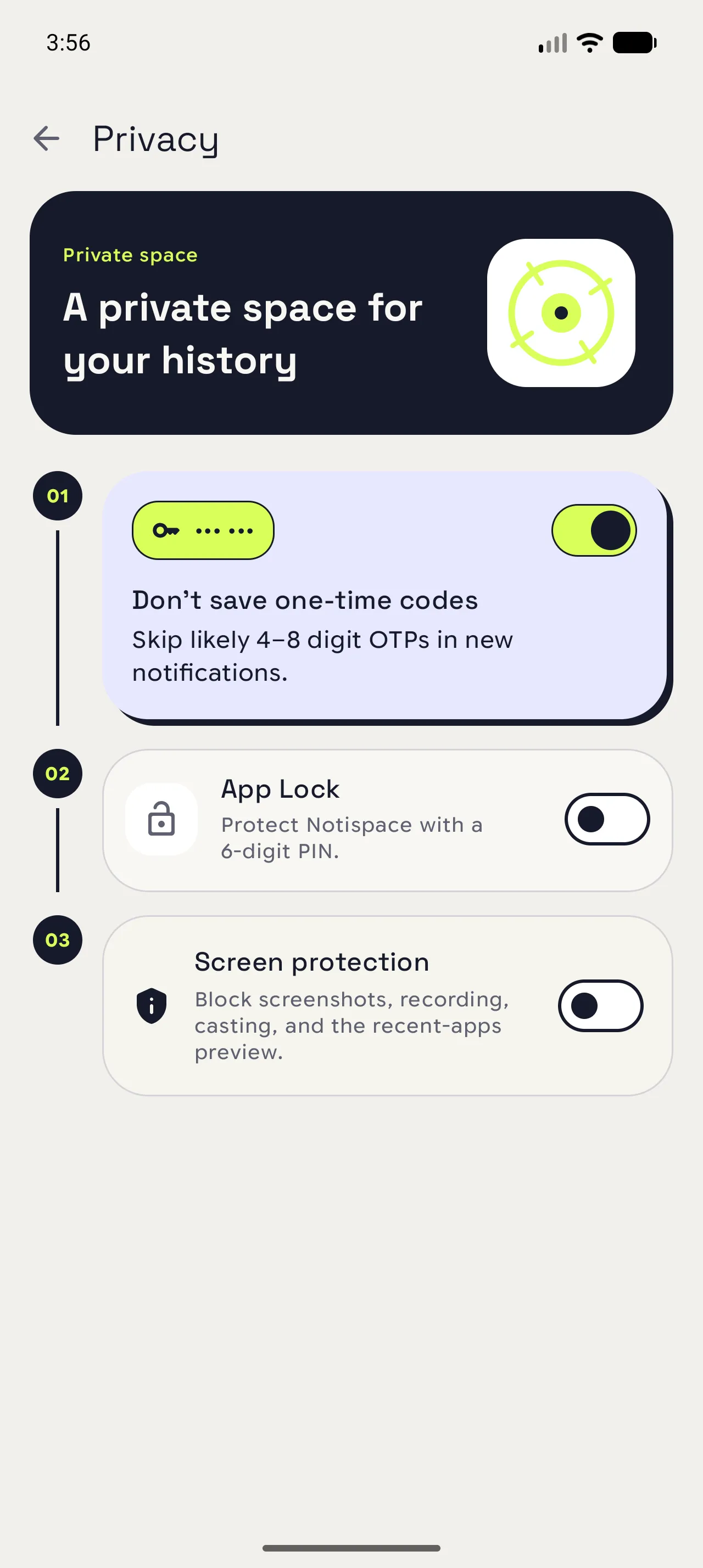
Settings › Privacy › Don't save one-time codes.
Test with an ordinary message without a code.
When you are done
Test with an incoming notification.
✓ Clear your search and app selection. If only starred notifications appear, use More options (⋮) › Show all notifications, then check an incoming message.
Open in NotispaceOpen the appA few notes
- Not saving notifications means notification access is off. Saving, but may miss some points to battery limits.
- No notification in Android? Check the sending app’s notification settings first.
- Ongoing notifications, group summaries, Notispace notifications, and notifications without any text content are skipped.
- Auto Dismiss can remove a notification while its saved message stays in history.
- Turning the code filter off affects future codes; skipped messages are not restored.
- For missing older notifications, check Keep history. Extending the duration does not restore deleted history.