
Choose what makes it into history.
LanguageEnglish
01
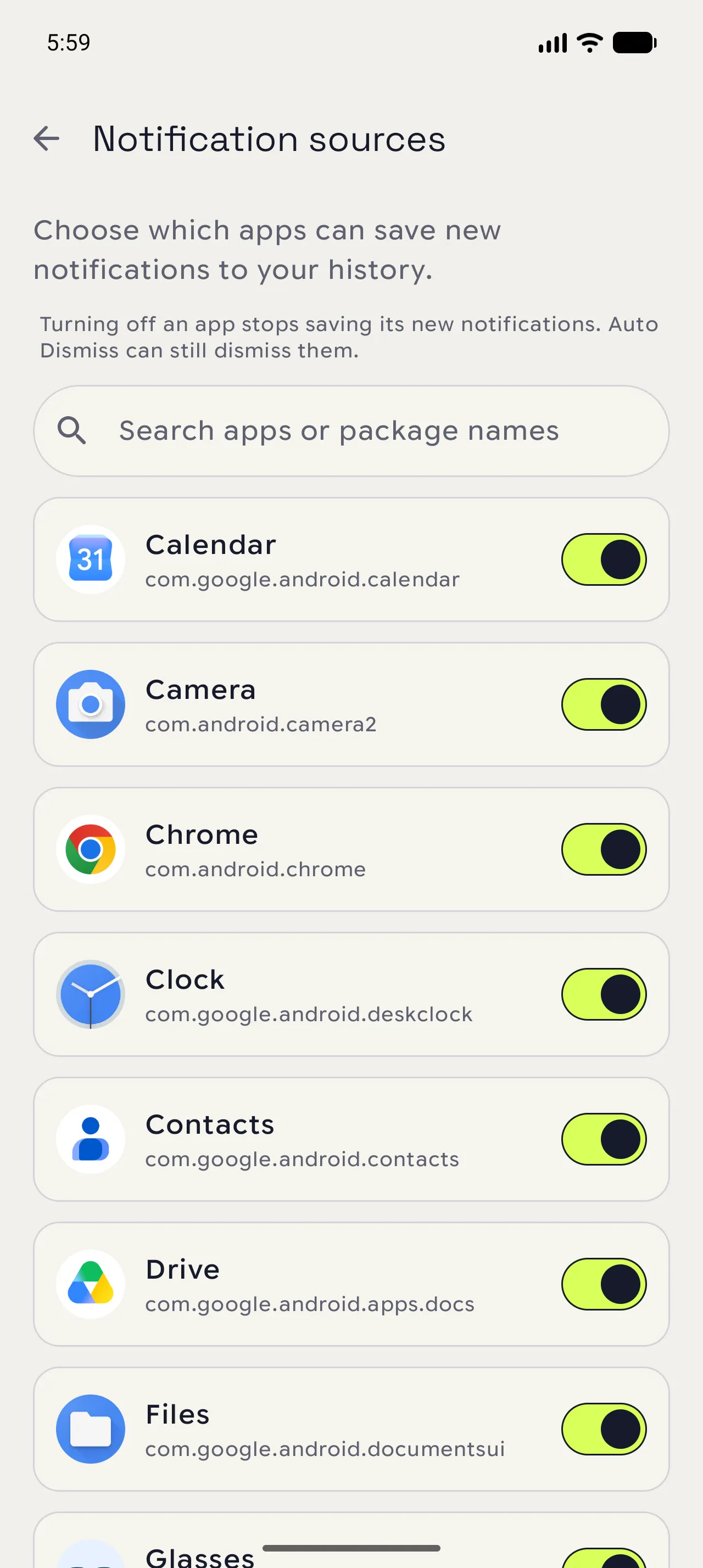
Open the source list
From Settings, choose Notification sources. The list shows which apps can contribute new entries.
02
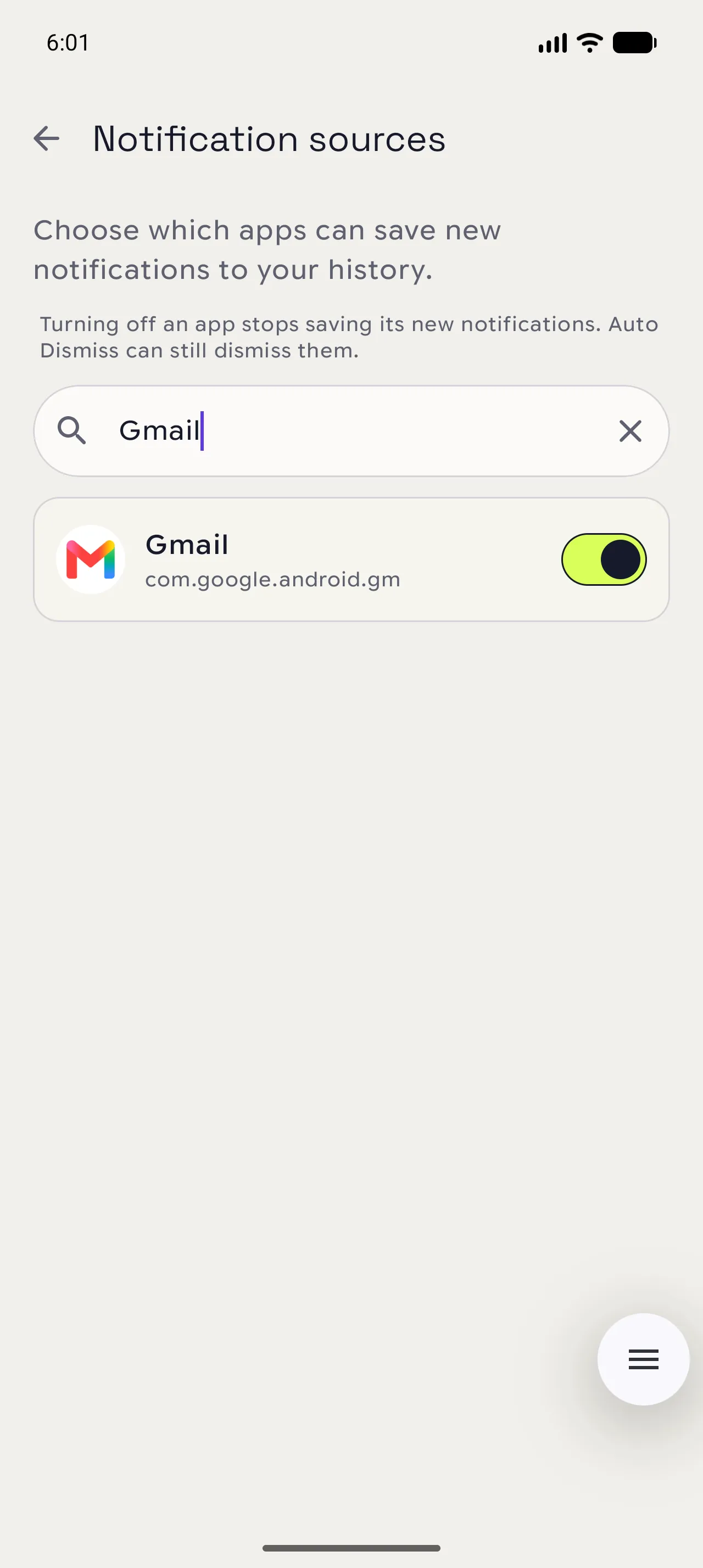
Search by app
Use the search field when the list is long. The result keeps the app name, package name, and current switch together.
03
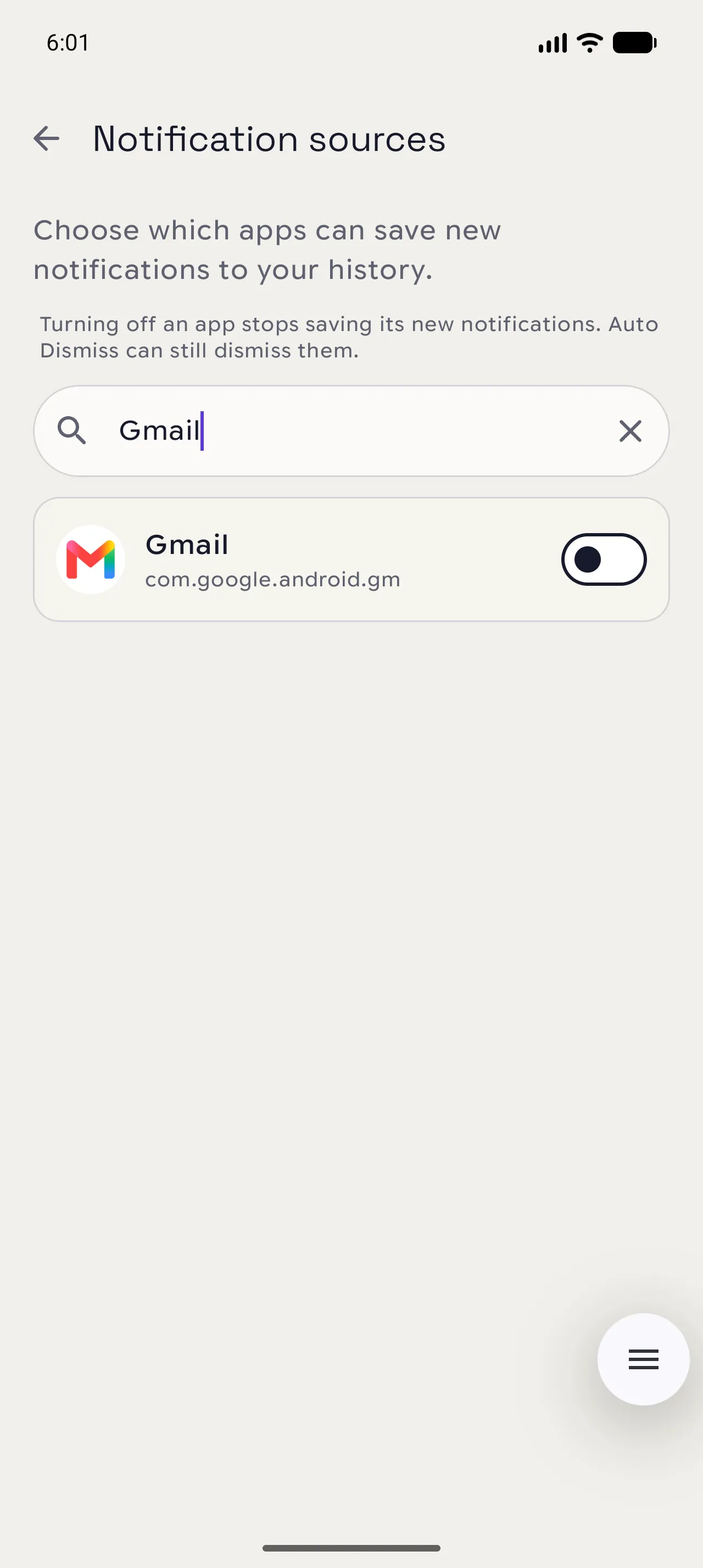
Switch saving off or on
Turn a source off to stop saving its new notifications. Existing history stays where it is, and Auto Dismiss remains independent.
When you are done
A quieter history starts here.
Disabled sources stop contributing new records; entries already saved remain available.
Open in NotispaceOpen the appA few notes
- Source settings affect new notifications only.
- Auto Dismiss rules can still act on a source when saving is disabled.