
Give each saved message a job.
LanguageEnglish
01
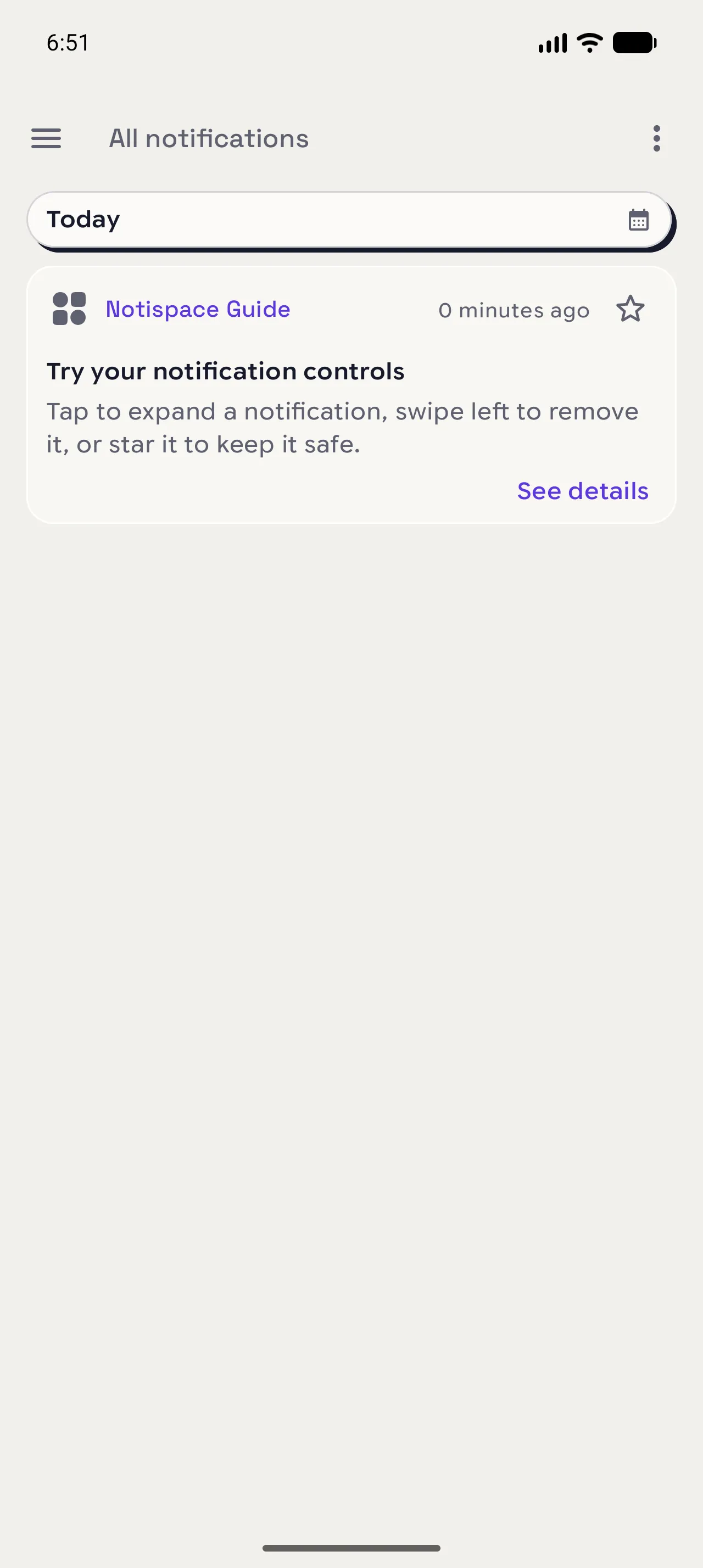
Expand the card
Tap a notification once to reveal more of its title and body. Use See details when the compact card leaves something out.
02
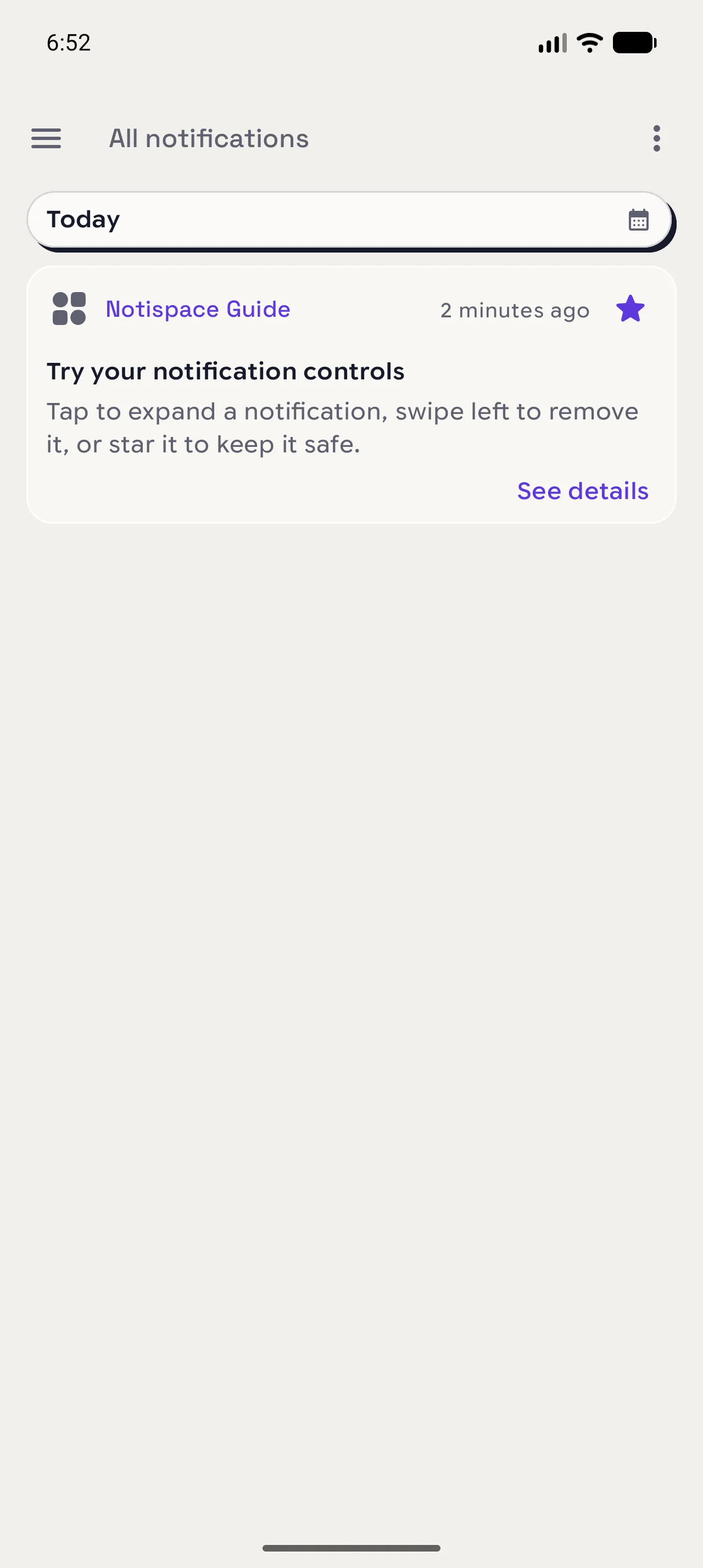
Star what matters
Tap the star when a message is worth keeping close. Starred records are protected from retention cleanup.
03
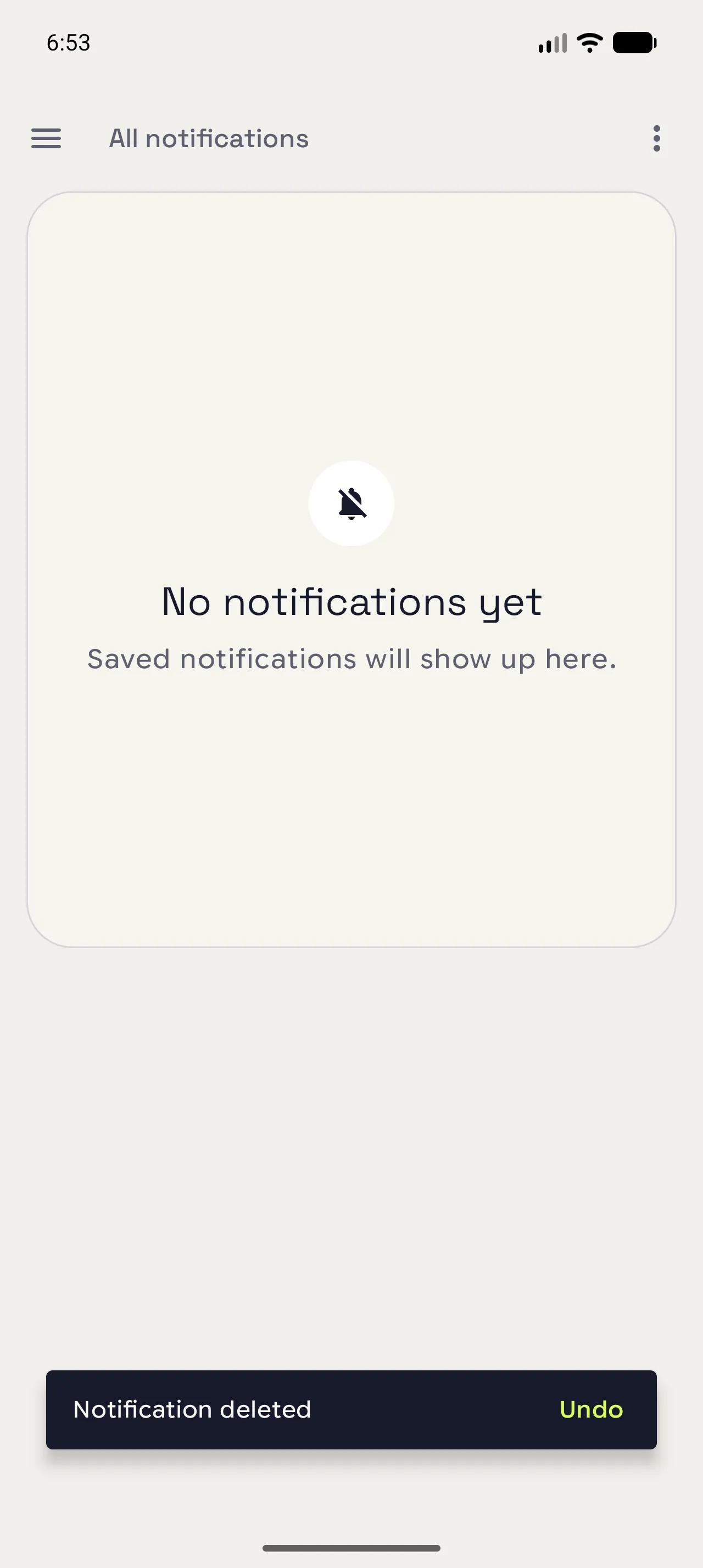
Remove the rest
Swipe a card from right to left. If you change your mind, use Undo in the short confirmation message.
When you are done
Keep the signal, lose the clutter.
Your history stays focused on the messages you may need again.
Open in NotispaceOpen the appA few notes
- A starred notification asks for confirmation before it is deleted.