
Choose when to receive your recap.
LanguageEnglish
01
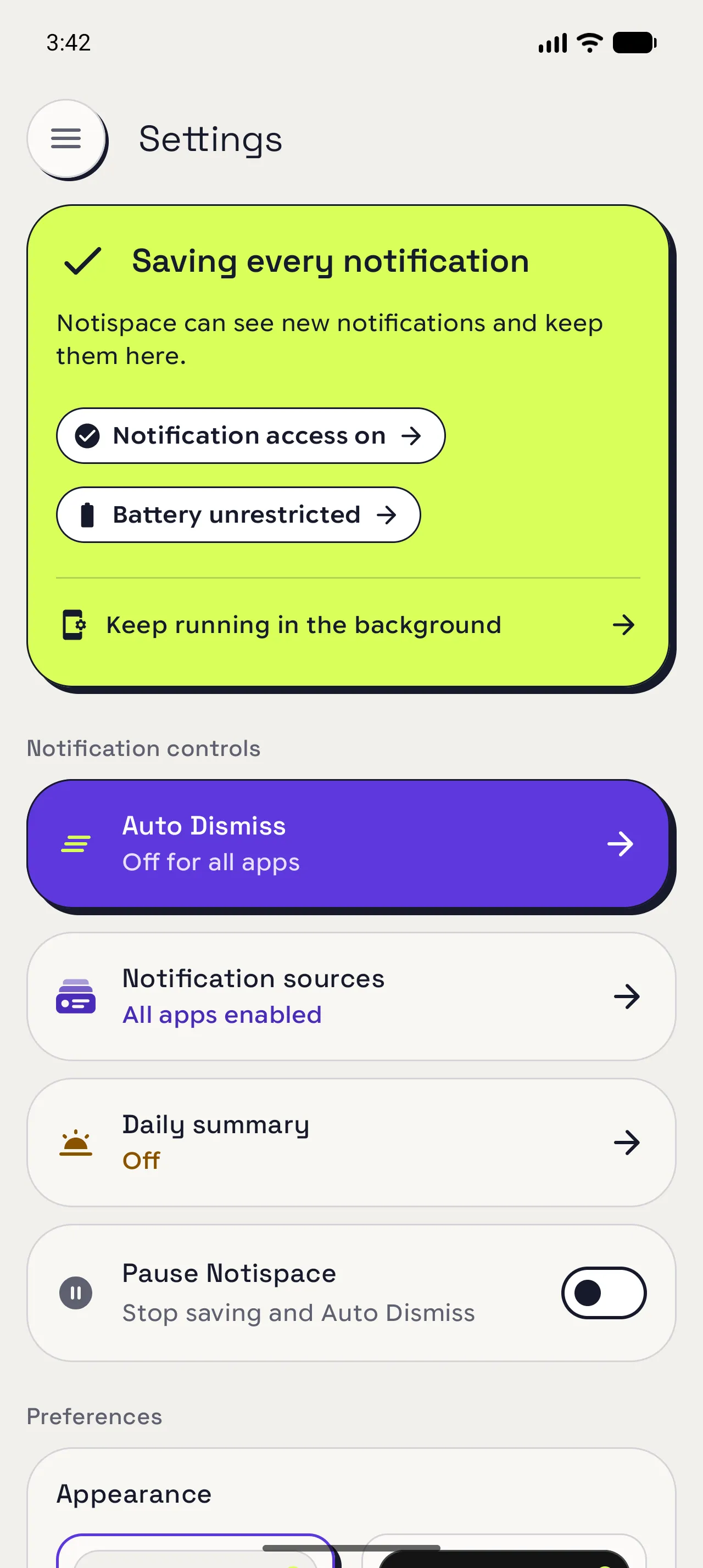
Open Daily summary
Choose when to receive a recap of your notifications.
Settings › Notification controls › Daily summary.
02
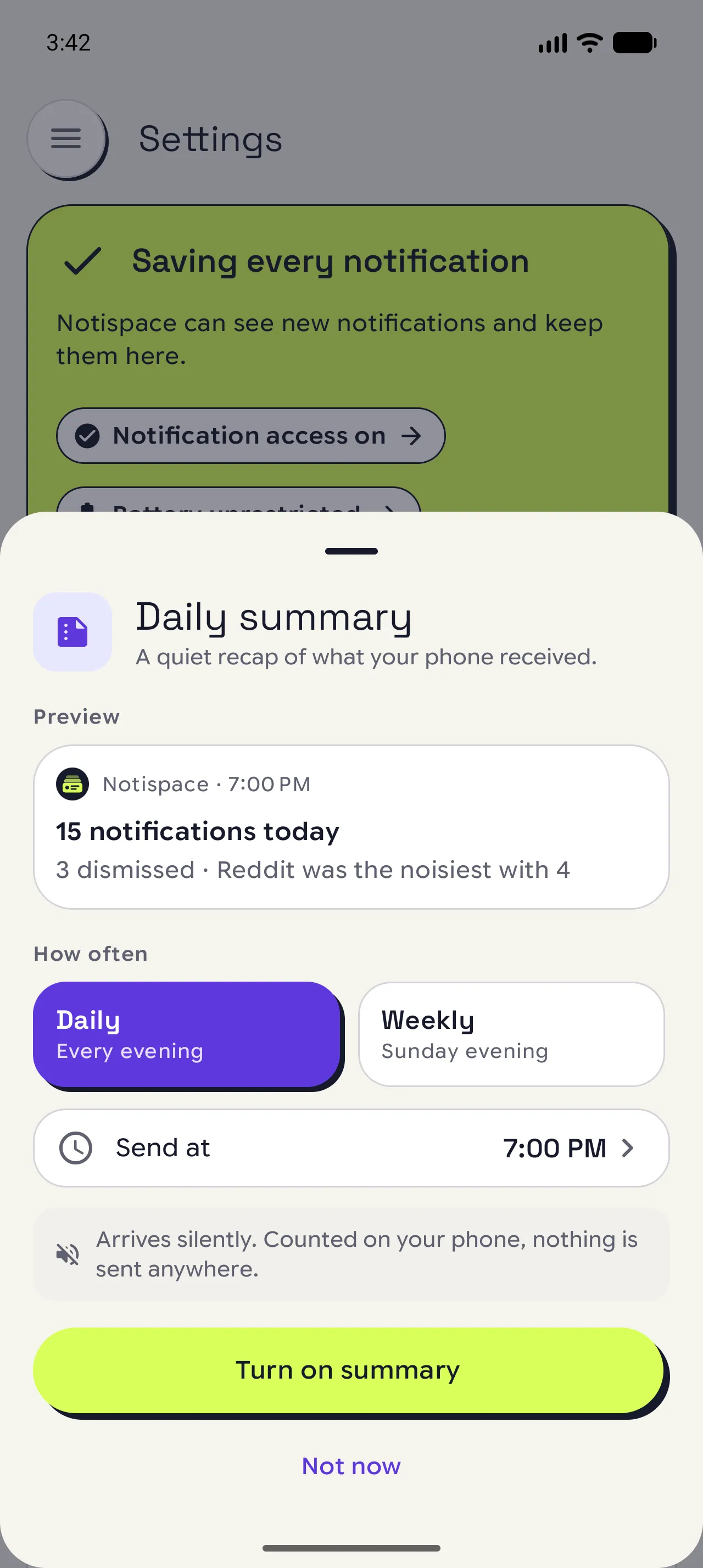
Choose daily or weekly
Review the example before choosing a frequency.
Preview › choose Daily for every day or Weekly for Sunday.
03
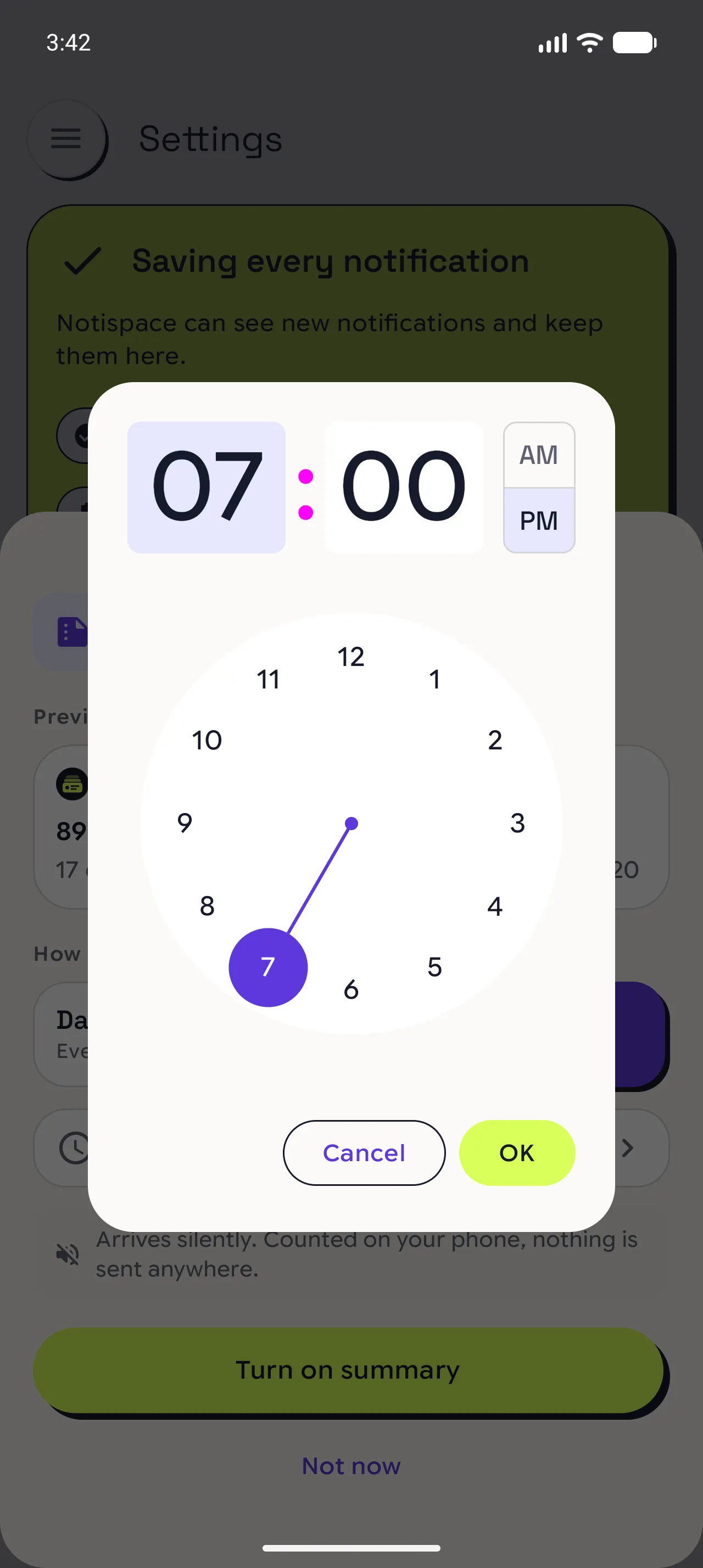
Set a time and turn it on
Set the local time for your recap.
Send at › choose a time › OK › Turn on summary.
Allow notifications if Android asks.
When you are done
Your summary has a schedule.
✓ Settings shows the frequency and time you selected. Reopen Daily summary to check or change them.
Open in NotispaceOpen the appA few notes
- Empty periods are skipped. Android may deliver the summary later than your chosen time.
- Return to Daily summary to change the time or turn it off.