
Build it like a sentence.
LanguageEnglish
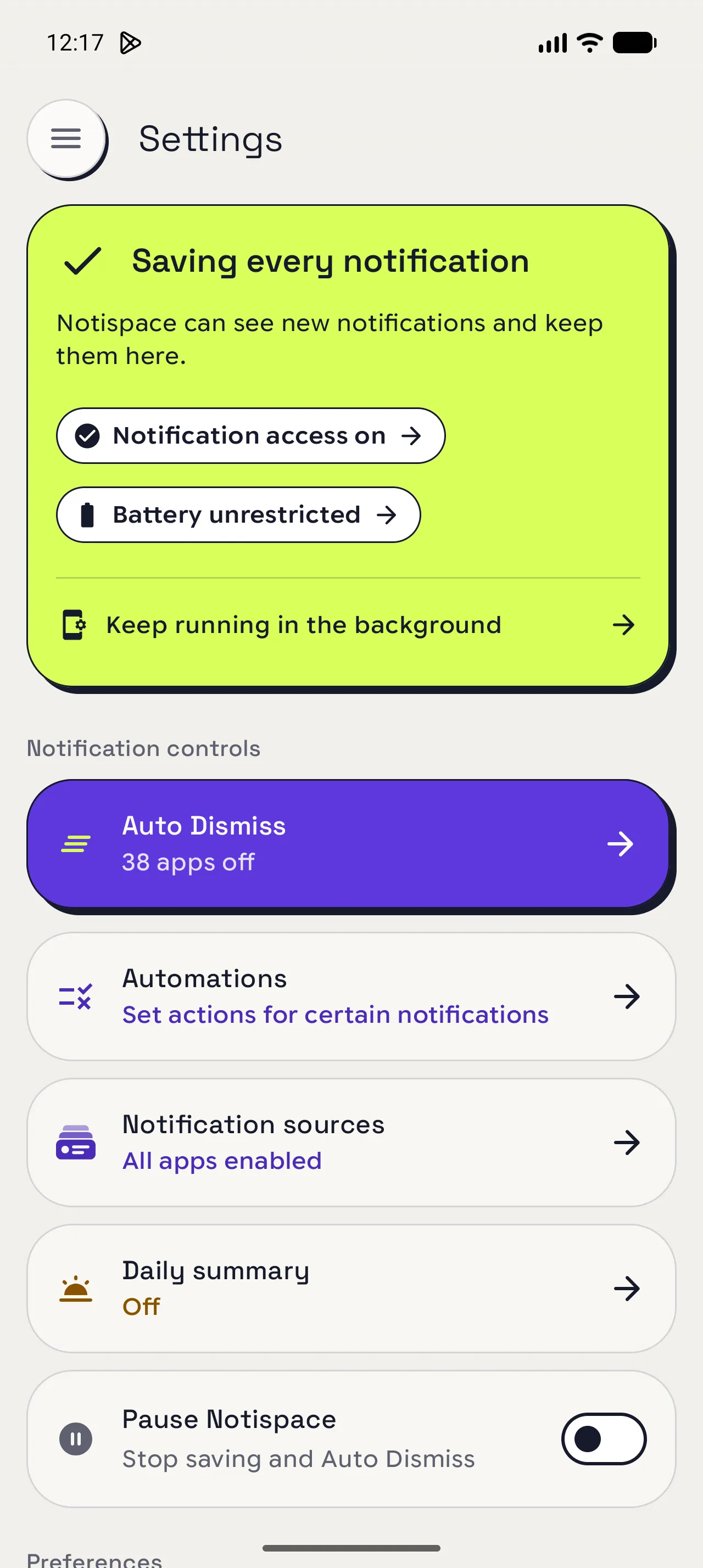
Open Automations
Start a new automation from your notification controls.
Open the menu (☰) › Settings › Automations › New automation.
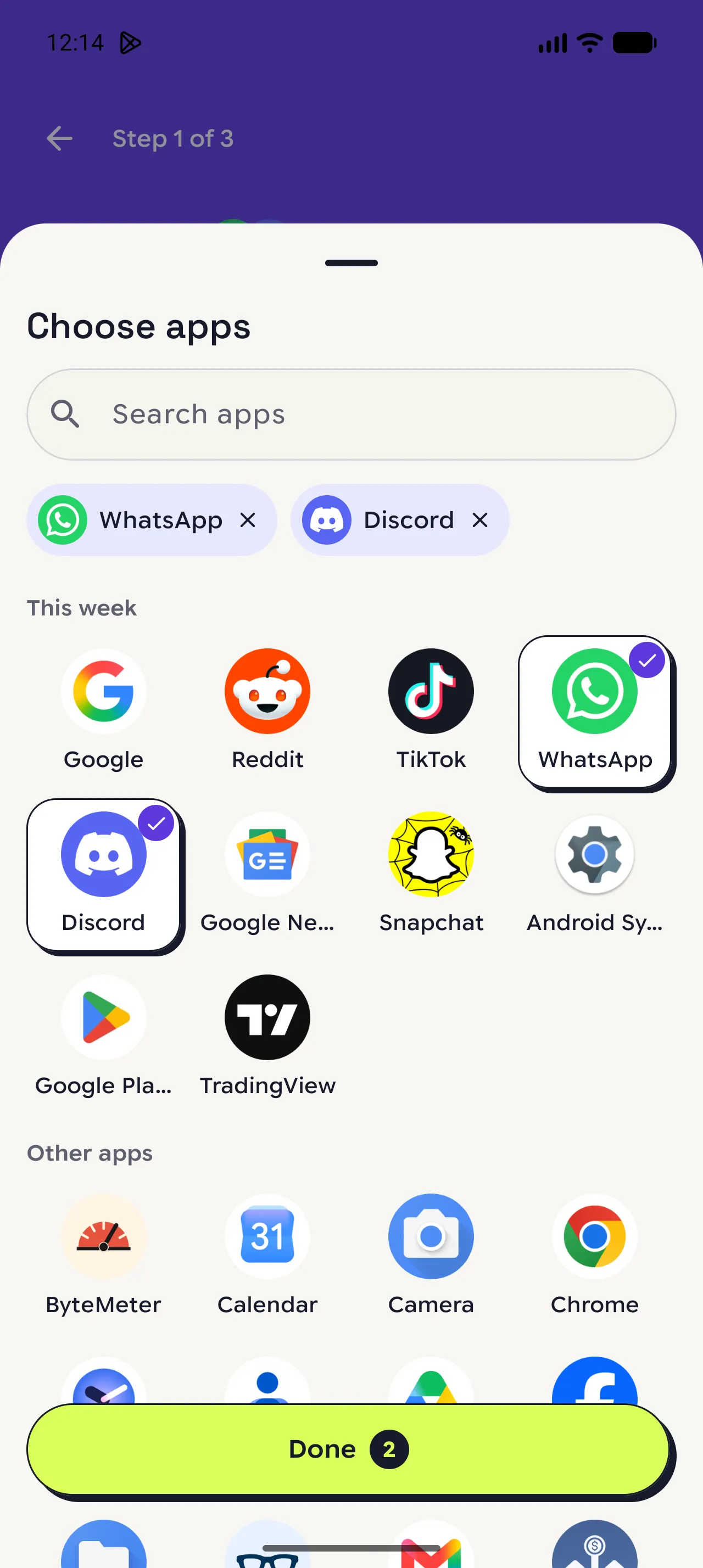
Choose the apps
Pick the apps to watch. One automation can cover several.
Tap an app, or tap More apps to see the rest › Done › Next.
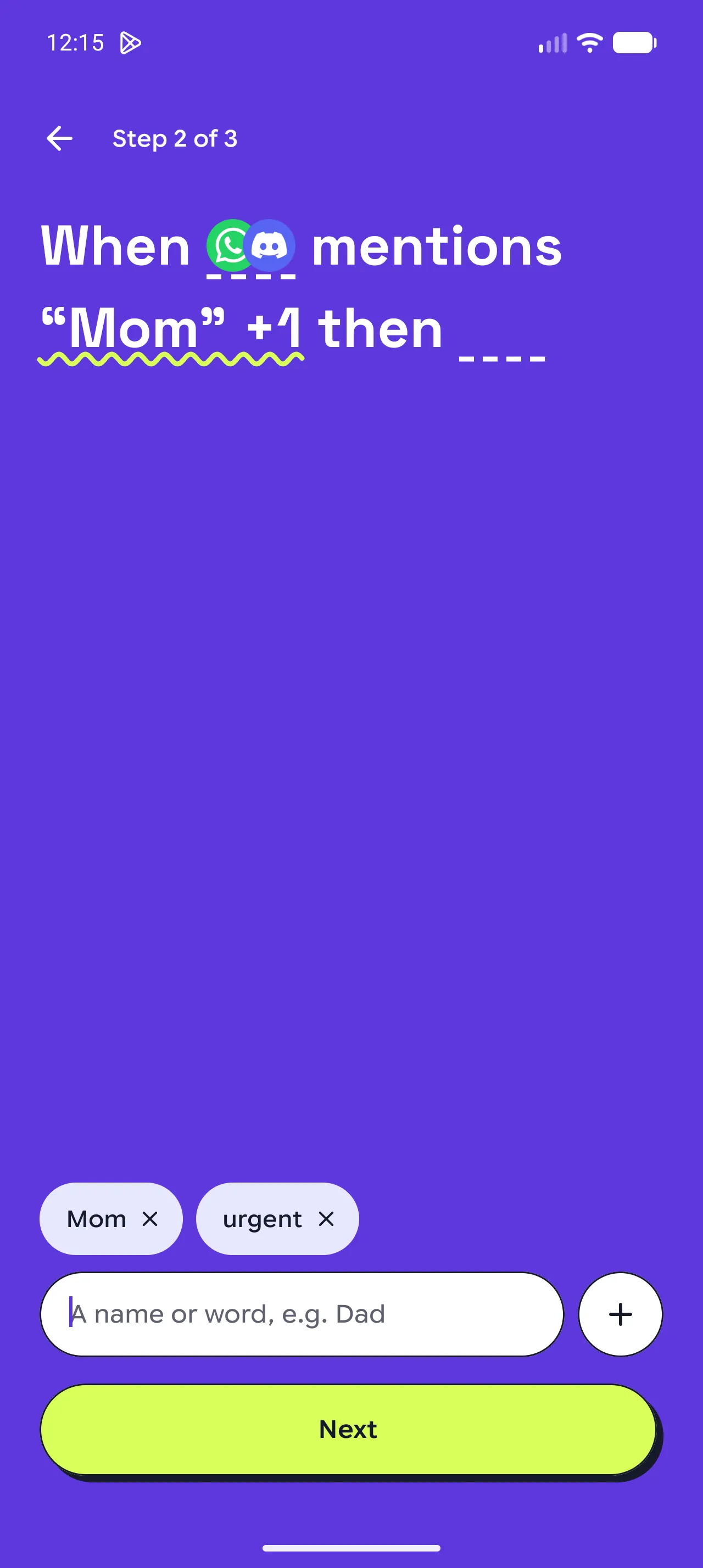
Add your words
Add the names or words that matter to you. Any one of them is enough for a match.
Type a word › tap the arrow › Next.
Tap remove (×) to delete a word.
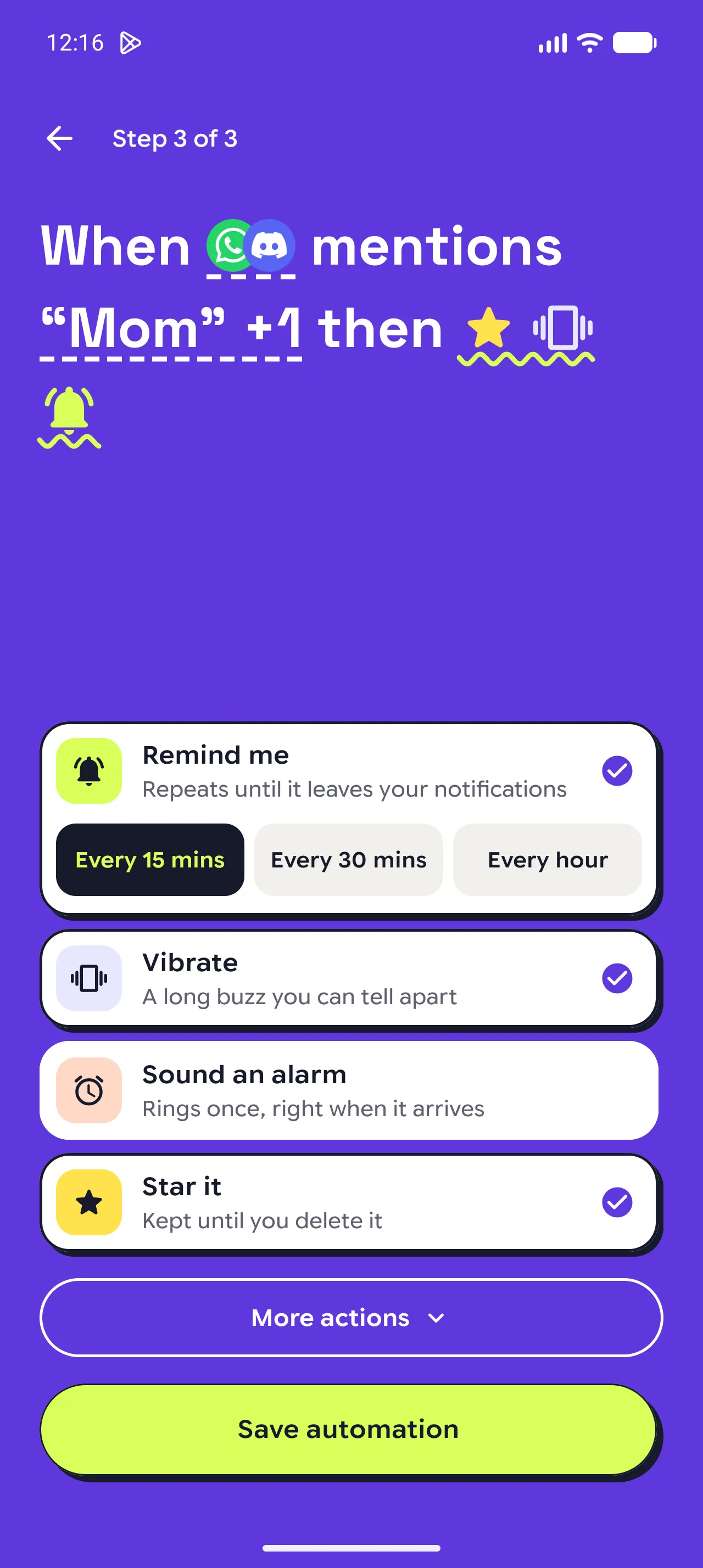
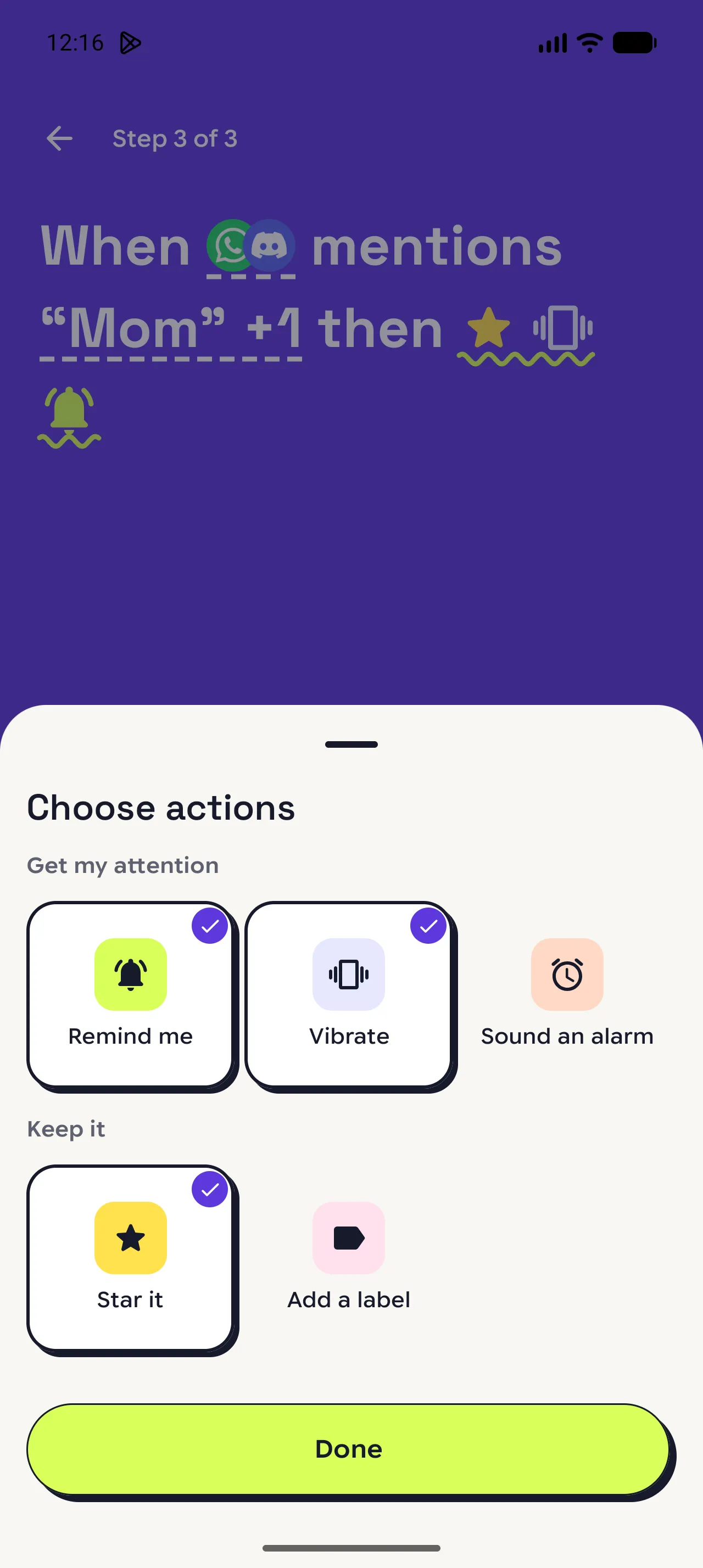
Choose what happens
Turn on one or more actions, then set its options on its card.
See every action
Keep a notification for later as well.
More actions › tap Star it, Pin it, or Add a label › Done.
Save and check it
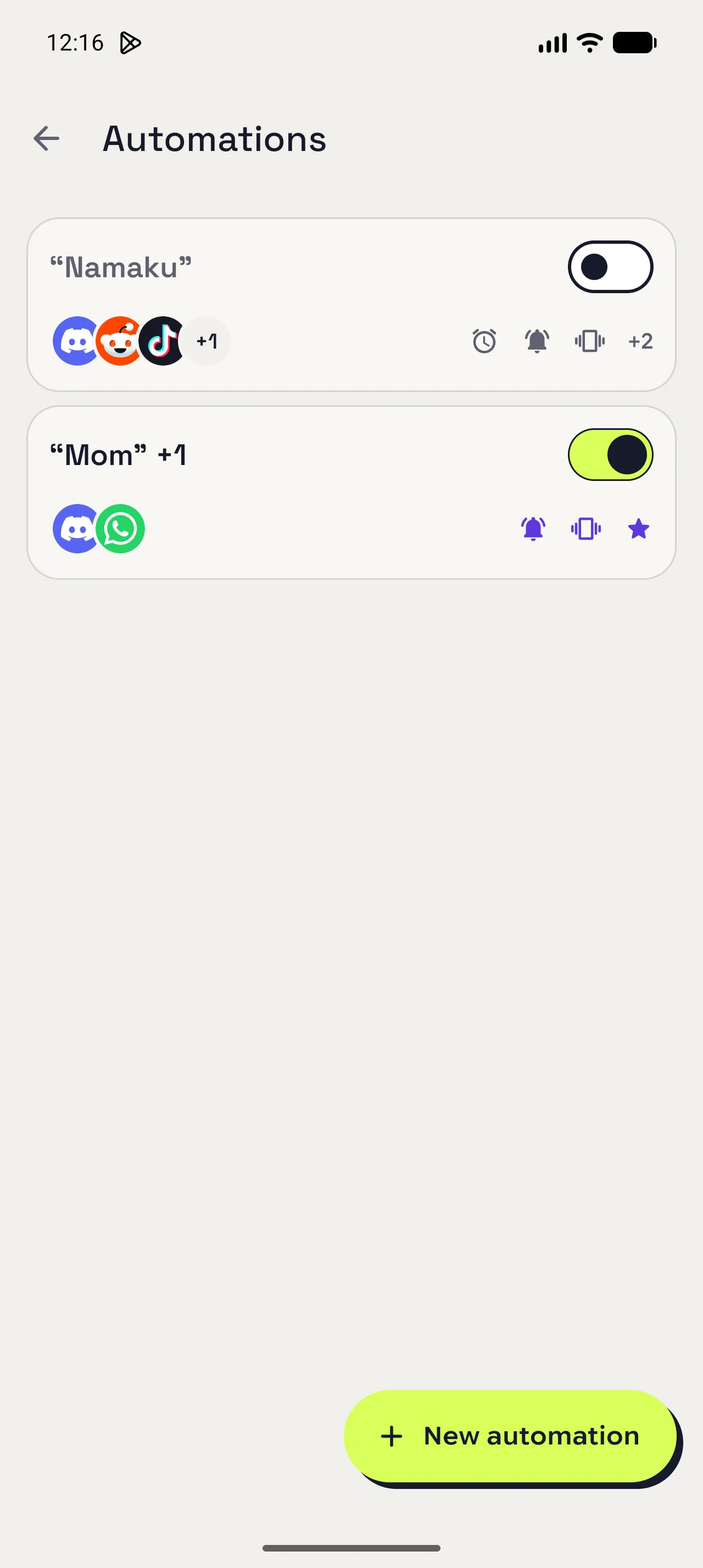
Save it, then find its card in the list.
Save automation › use the switch to turn it off or on.
Tap the card to edit or delete it.
What each action does
Remind me
Notifies you again every 15 minutes, 30 minutes, or hour while the notification is still there. It stops when the notification leaves, when you tap Stop, or after 10 reminders.
Vibrate
Buzzes your phone once when a match arrives, in the pattern you pick: Short, Double, or Long.
Sound an alarm
Plays your phone's alarm sound, a system sound, or your own audio file at alarm volume. It lasts up to 1 minute, or until you tap Stop.
Star it
Stars the saved notification, so it stays when you clear your history or old notifications are cleaned up.
Pin it
Keeps the notification in view above your history as you scroll. Only one can be pinned, so a newer pin replaces it.
Add a label
Adds the labels you pick, so you can filter your history by them later.
When you are done
Let the right notifications get your attention.
✓ The next time a chosen app sends a notification with your word, your actions run. Running reminders appear under Reminding now on the Automations screen, with a Stop button.
Open in NotispaceOpen the appA few notes
- Free users can make one automation with Remind me and Vibrate. Galaxy adds unlimited automations, Sound an alarm, Star it, Pin it, and Add a label.
- Words match the text of the notification, not the sender. A message from someone else that mentions Mom matches too.
- If Auto Dismiss is on for the same app, Remind me, Vibrate, and Sound an alarm keep matching notifications until you clear them. Star it, Pin it, and Add a label don't.
- Star it, Pin it, and Add a label need a saved notification, so they can't apply to apps turned off in Notification sources.
- If reminders don't appear, allow notifications for Notispace. Pause Notispace also pauses automations and reminders.